

CloudGPT Connections
# CloudGPT
CloudGPT is HARPA AI's premium connection available on the S plan. It provides fast, stable access to top AI models — no need to manage API keys or web sessions.
CloudGPT has less downtime than web session connections and isn't restricted by country, even when OpenAI or Anthropic are at capacity.
Available models include GPT-5.4, Sonnet 4.6, Gemini 3.1 Pro, DeepSeek V3, Perplexity Pro, Grok 4.1, Llama 4, and others.
S plan users receive Megatokens as part of their package. X or Free plan users can buy Megatokens on the pricing page.
# Getting Started
-
Open HARPA on any website by clicking its icon or pressing Alt+A (Windows) or ^+A (Mac).
-
Open the AI model menu by clicking the MODELS tab at the top or the three-dot menu in the bottom left corner.
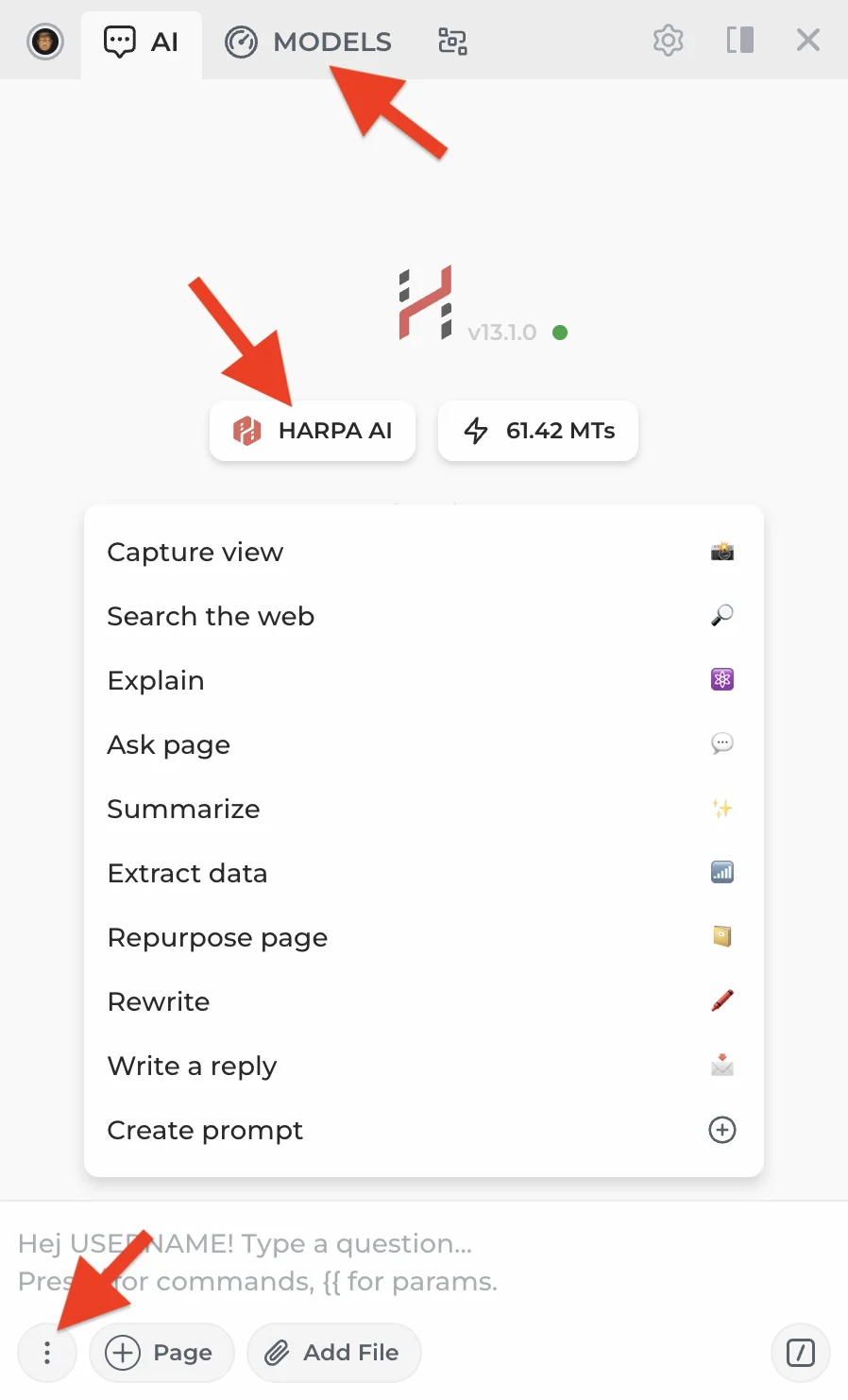
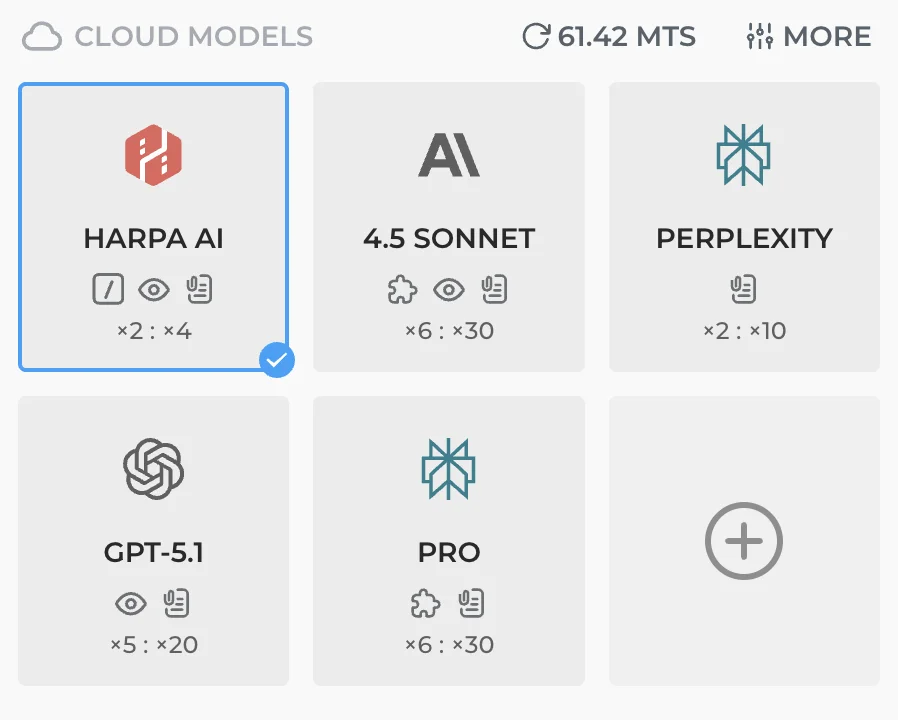
- Web Connections are at the top, Cloud Models below. Your Megatoken balance shows next to it.
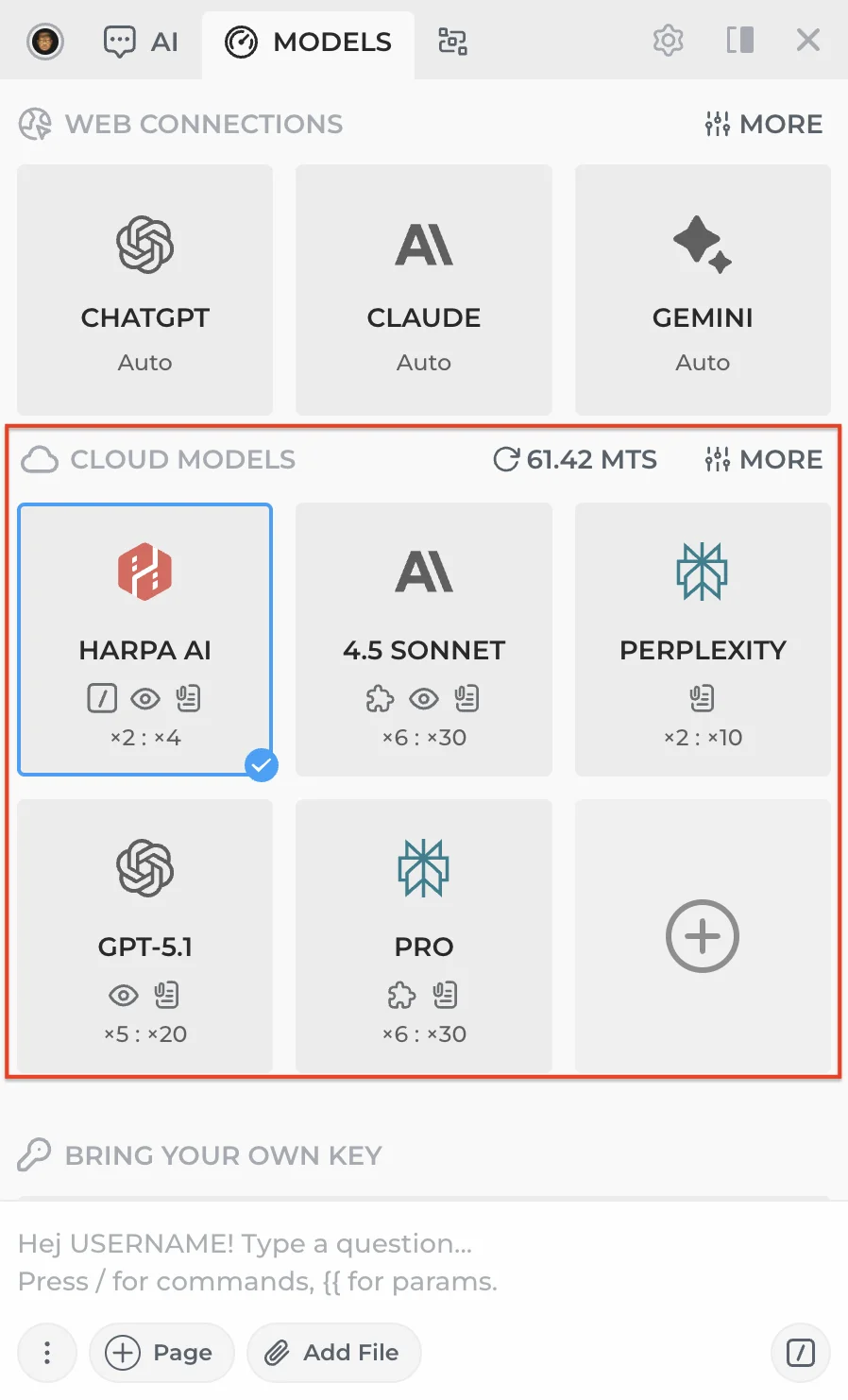
Click the + card to add a new model.
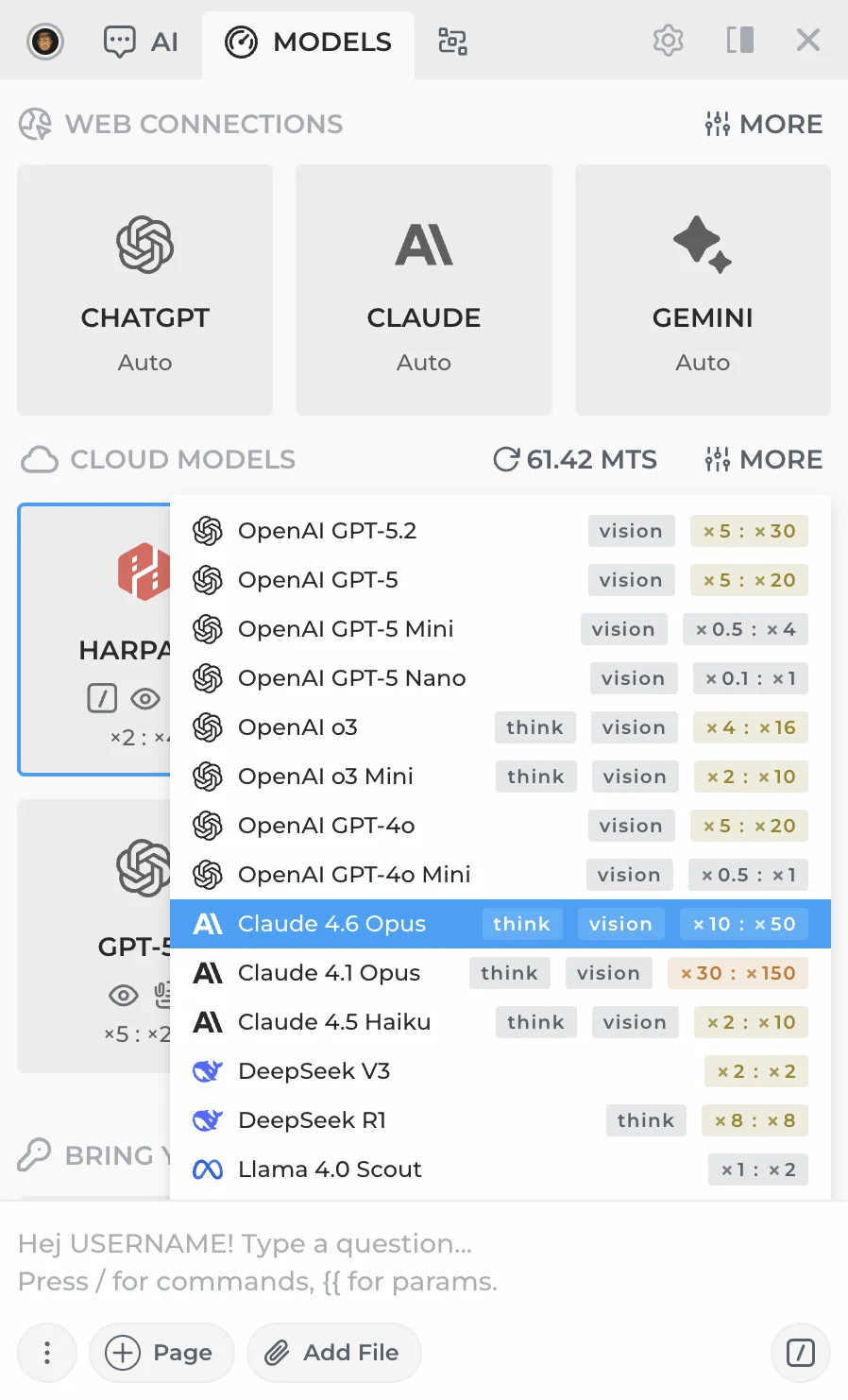
-
Click any model card to set it as default for new chats.
-
To remove a connection, hover over its card and click the X icon in the top left corner.
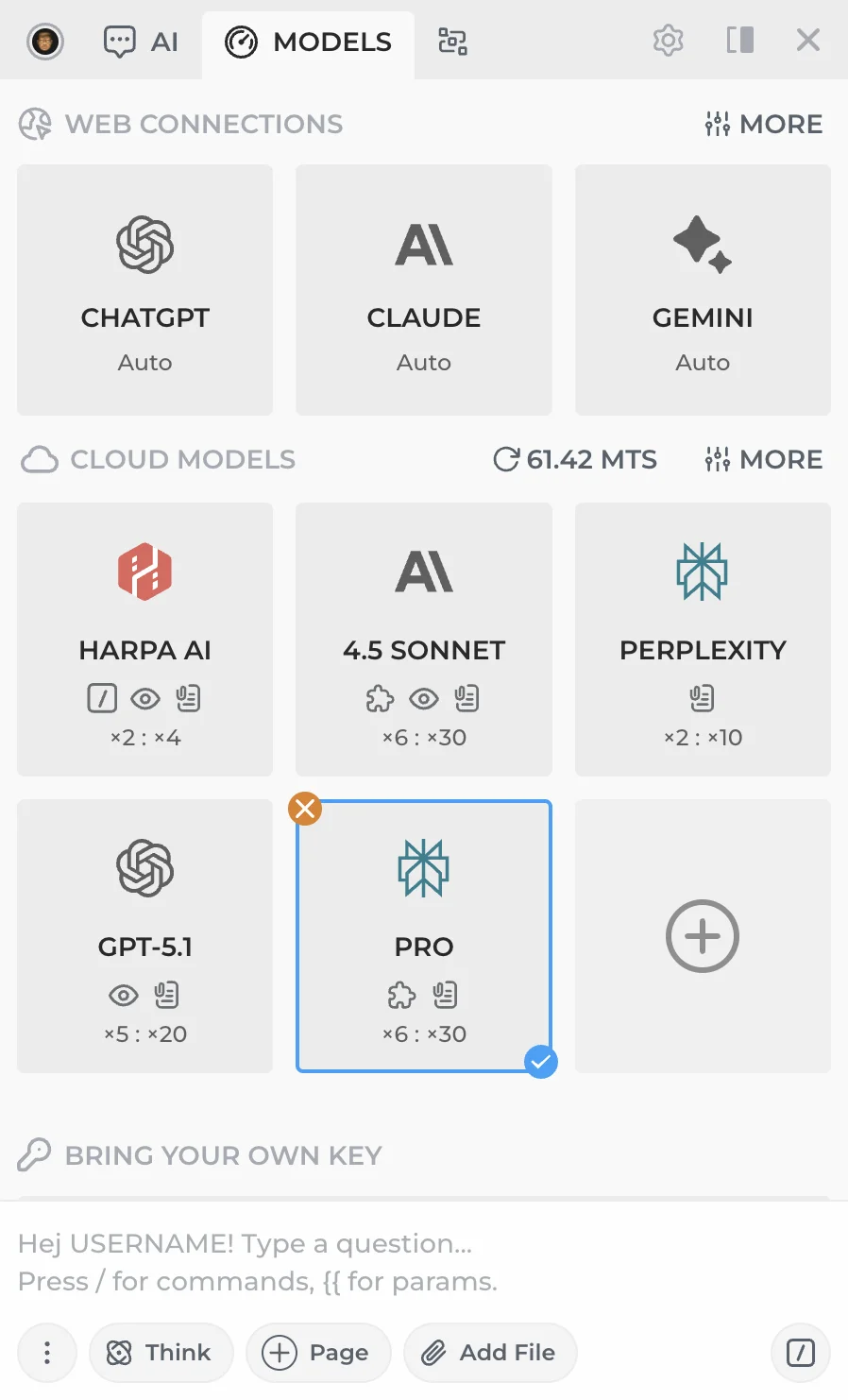
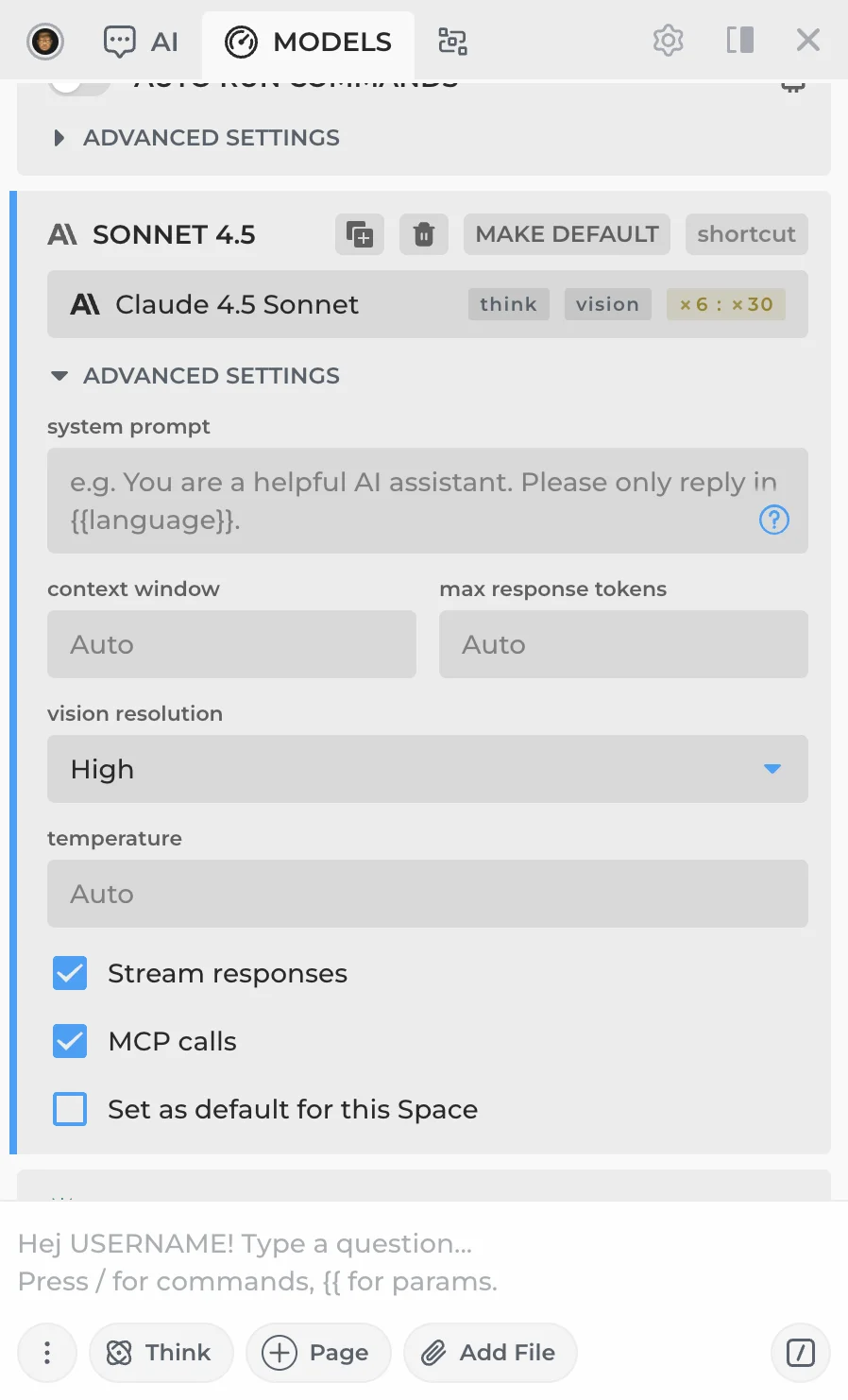
- To fine-tune a connection, click the MORE button in the top right corner of the Cloud Models section.
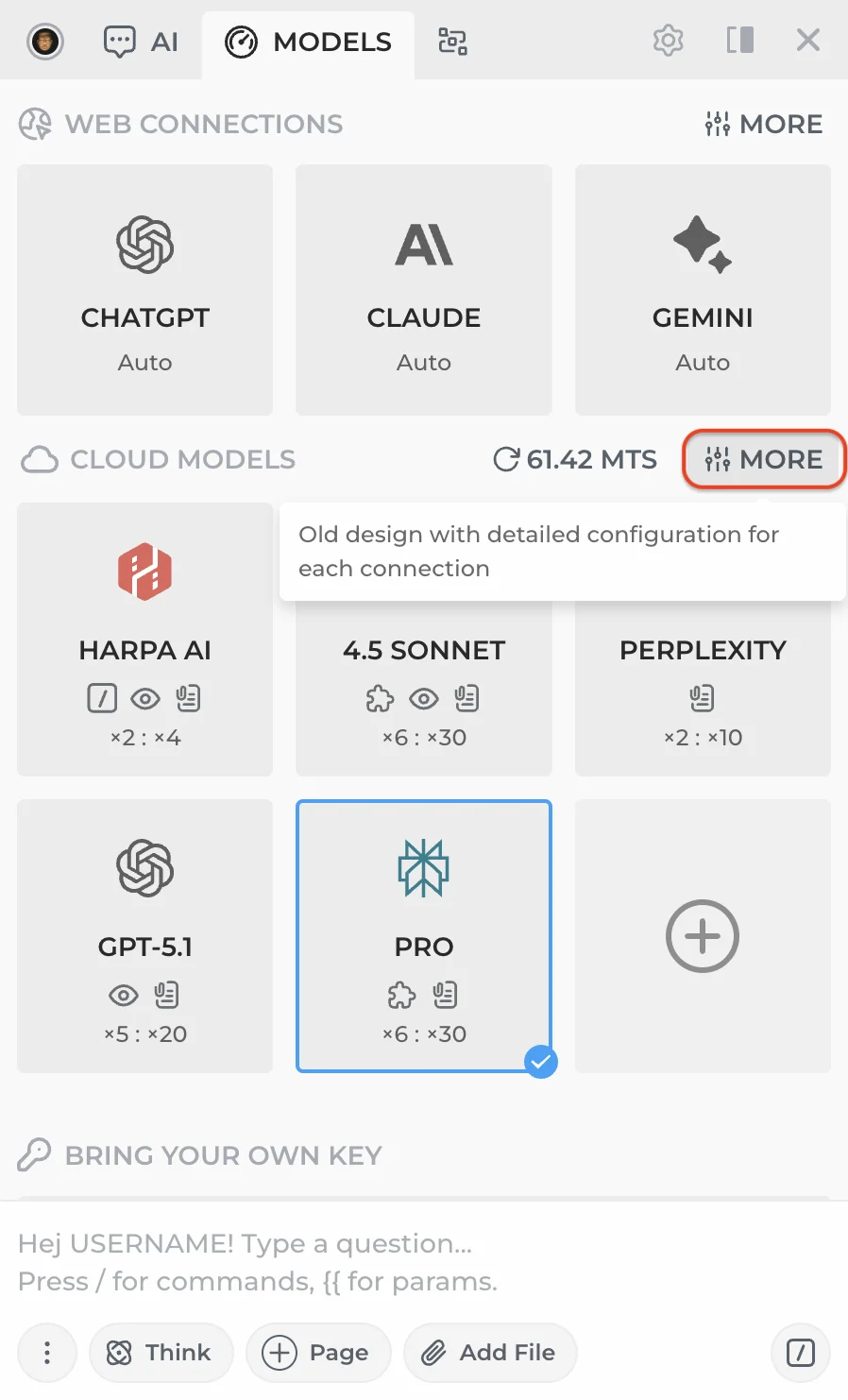
This opens advanced settings — system prompt, context window, temperature, and more.
# HARPA AI Agentic Connection
The built-in HARPA AI CloudGPT model is more than a chat — it's an AI agent that can:
- Auto-run commands. Detects your intent and launches the right command. Say "Summarize it" on a YouTube page and HARPA runs the summary for you.
- Auto web search. Searches the web when your question needs up-to-date information.
- Auto page-aware mode. Reads the current page content when needed to answer your question.
- Image generation. Generate images directly in chat using built-in image models.
- Auto MCP calls. Calls your configured MCP servers when relevant.

The HARPA AI connection is fine-tuned by our team, optimized for cost and quality.
# How to buy Megatokens
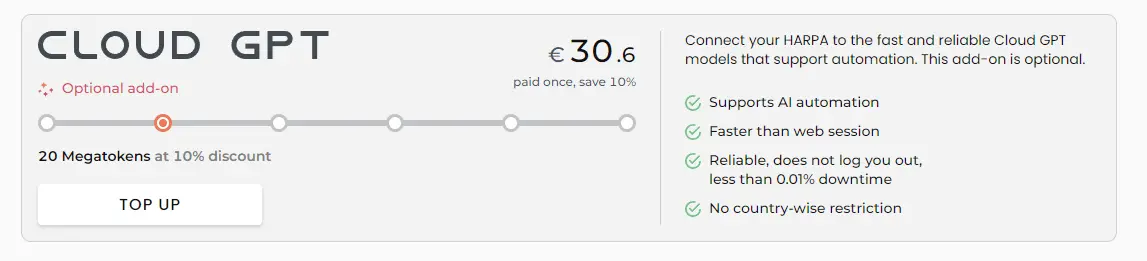
If you purchased the S plan, you already have Megatokens. X or Free plan users can buy Megatokens by:
-
Logging into our account
-
Selecting and paying for the desired amount on the pricing page
# How to control usage
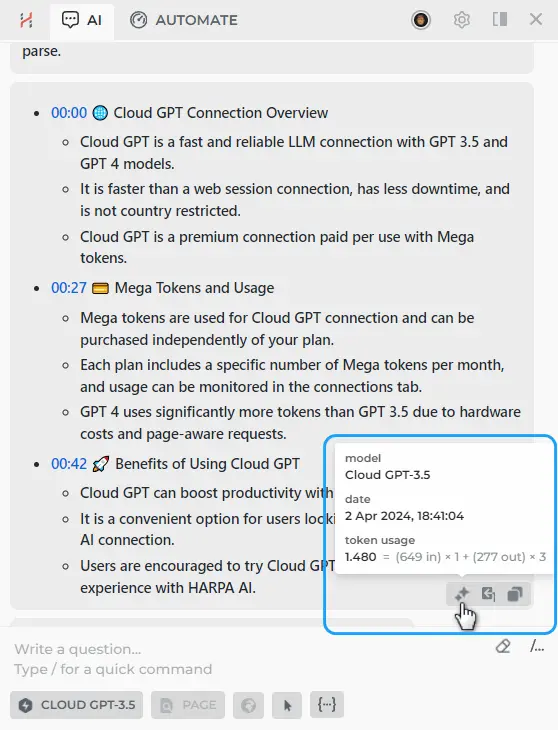
- Check your chat request's input and output tokens by hovering over the star icon below the message for details.
- Usage history could be checked from your space profile on HARPA AI.
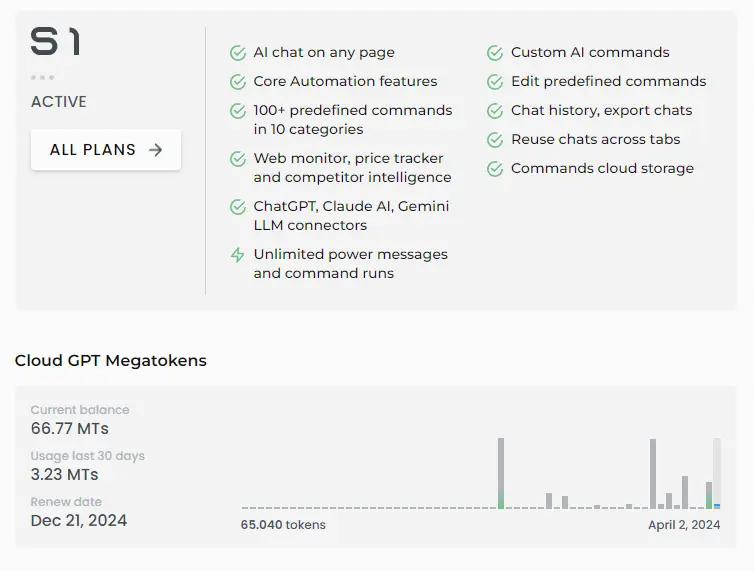
This can be useful for Spaces users, where the Megatoken balance is shared, monitored, and paid for by the owner.
# Why CloudGPT?
- Stability. No logouts or disconnects. Maintained by the HARPA team for uninterrupted service.
- No API keys needed. No need to sign up for OpenAI, Anthropic, or other providers. Everything goes through your HARPA AI account.
- Multiple models. Access GPT-5.4, Claude Sonnet 4.6, Gemini 3.1 Pro, and other top models from a single connection.
- Pay-as-you-go. You are billed based on your usage, measured in Megatokens, which can be purchased regardless of your subscription plan.
# What are Megatokens?
1 Megatoken is roughly 750,000 words of input text in English. It's a unified token system that works across all models in your HARPA subscription.
Each model card shows its token cost as a multiplier, e.g. x2 : x4 (input : output).
On average, 1 Megatoken is:
- ~3000 basic chat requests on GPT-5 Nano
- ~300 basic chat requests on GPT-5.4
- ~150 YouTube summaries (15-minute videos) on GPT-5 Nano
- ~30 page-aware requests on GPT-5.4
# More Guides
 NEXT POST
All rights reserved © HARPA AI TECHNOLOGIES LLC, 2021 — 2026
Designed and engineered in Finland 🇫🇮