

AI Web Search
# Web Search in HARPA AI
The default HARPA AI CloudGPT connection comes with built-in automatic web search. When the AI needs up-to-date information, it searches the web on its own — no extra setup required.
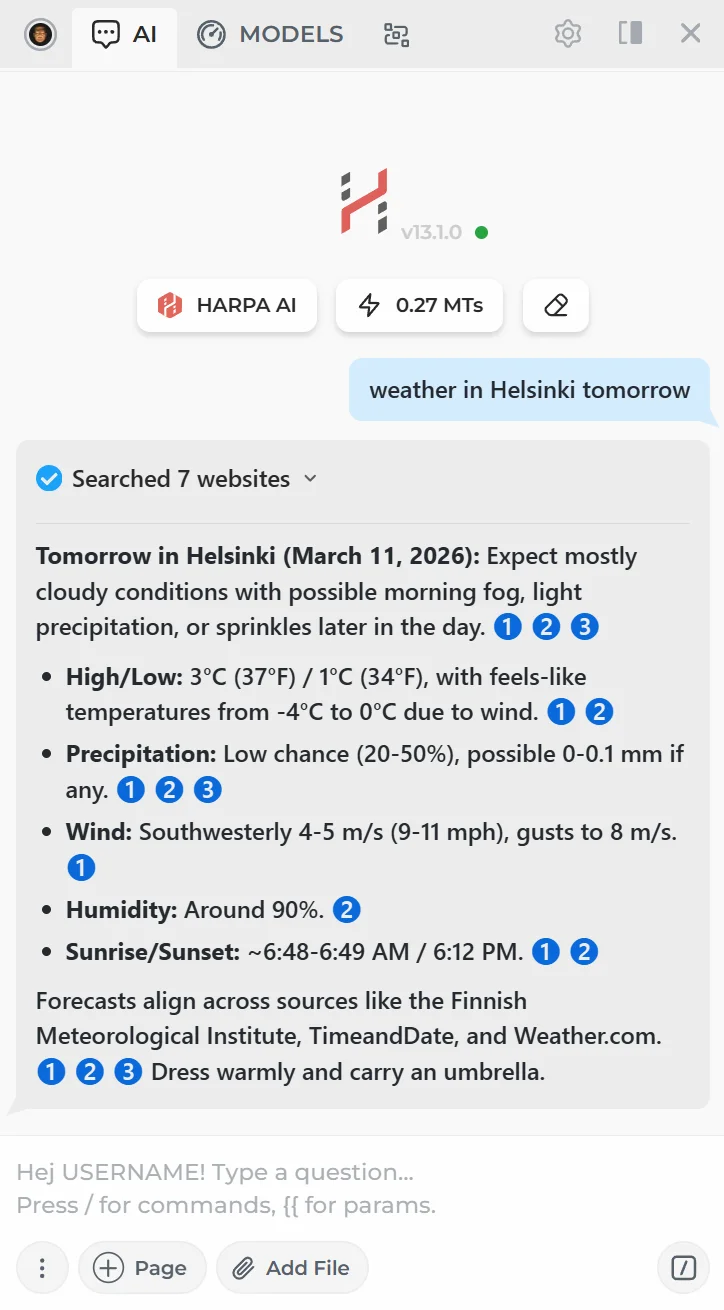
# How to Use Web Search
- Make sure you have a HARPA AI CloudGPT connection selected.
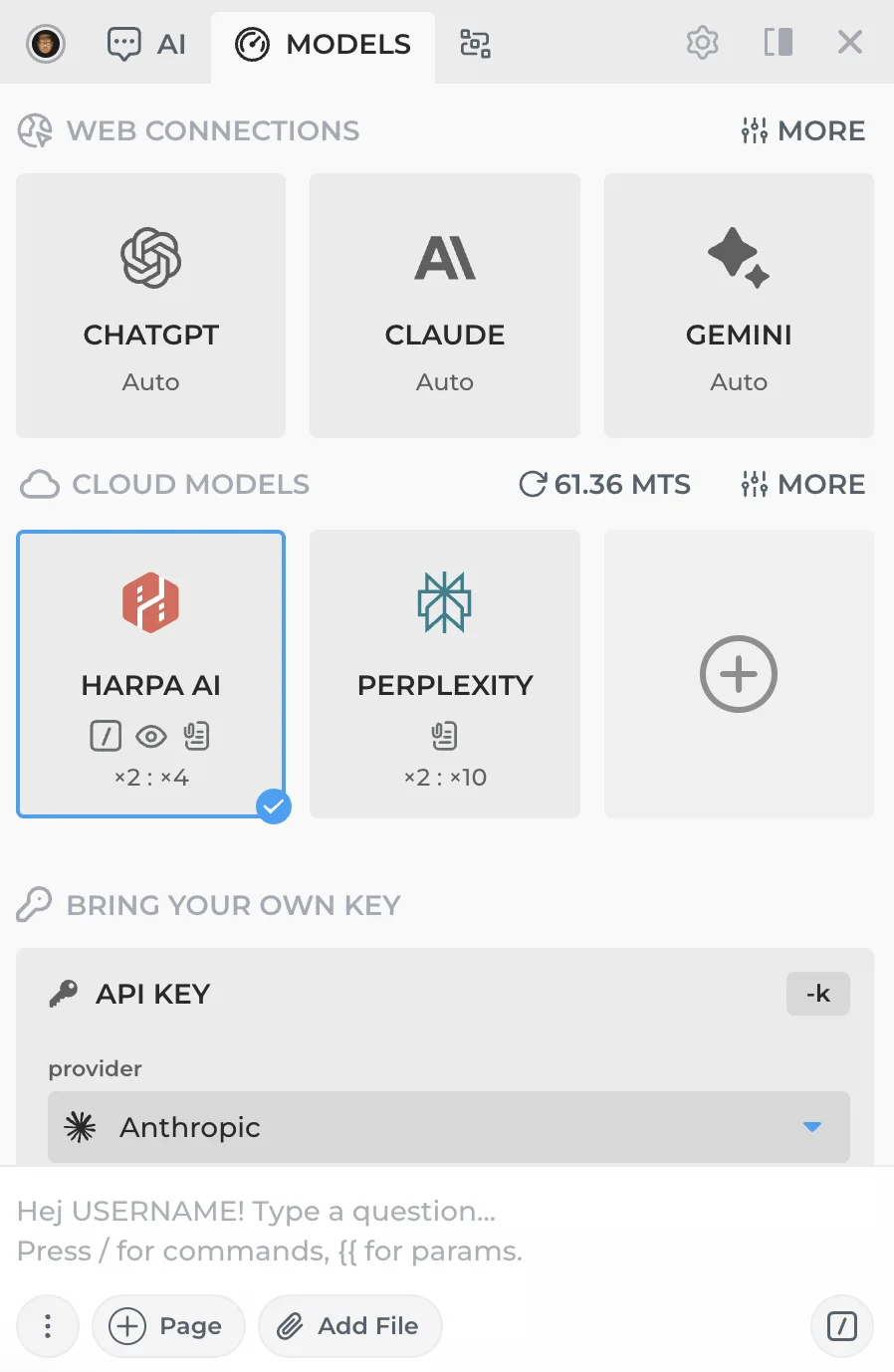
-
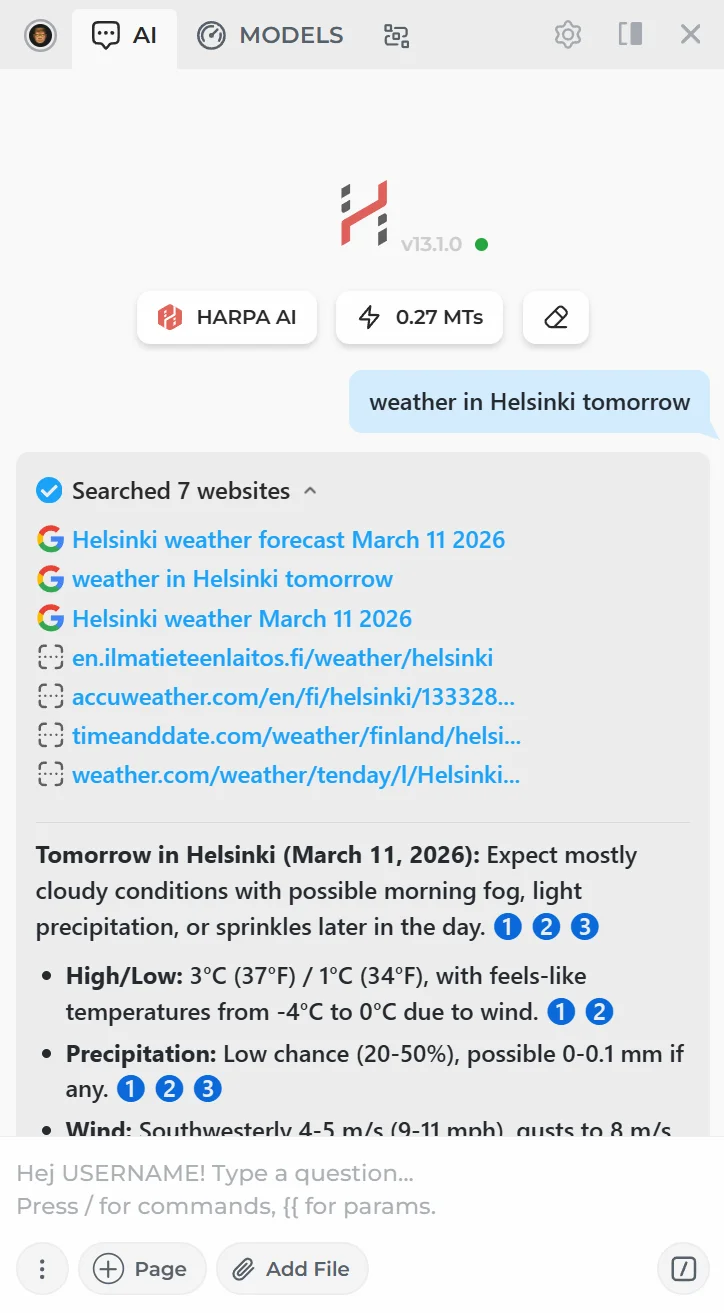
Ask the AI something that requires up-to-date information.
-
The AI will automatically search the web for relevant results. You can expand the list to see all Google searches and crawled pages.
# Perplexity-Powered Web Search
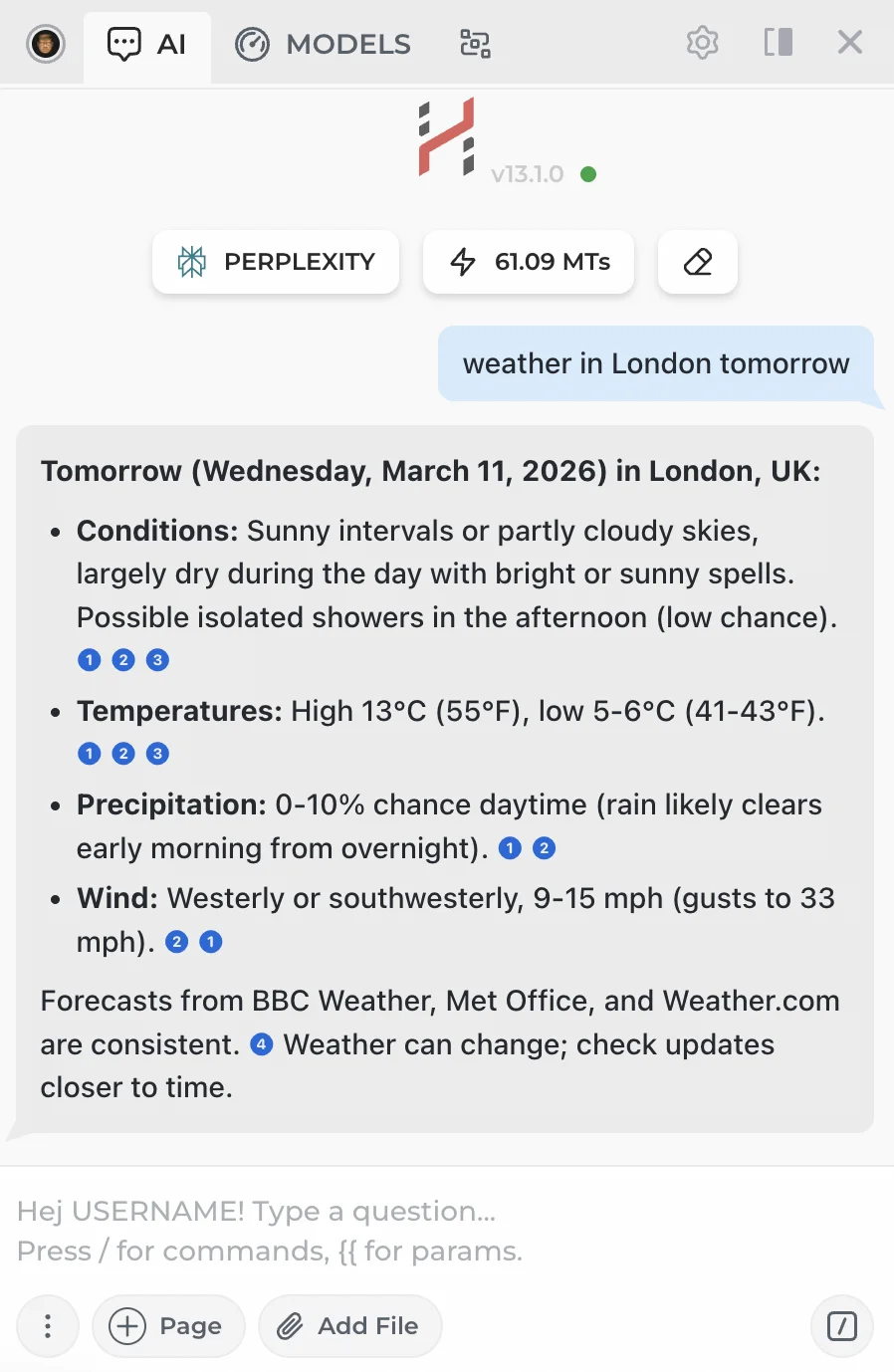
CloudGPT also includes Perplexity connections with various LLMs that have automatic search built in. These models are designed for research and always pull in fresh results from the web.
Open the model menu in HARPA, find the CLOUD MODELS section and click + to add Perplexity Pro or Perplexity Deep connections included in your HARPA AI S plan.
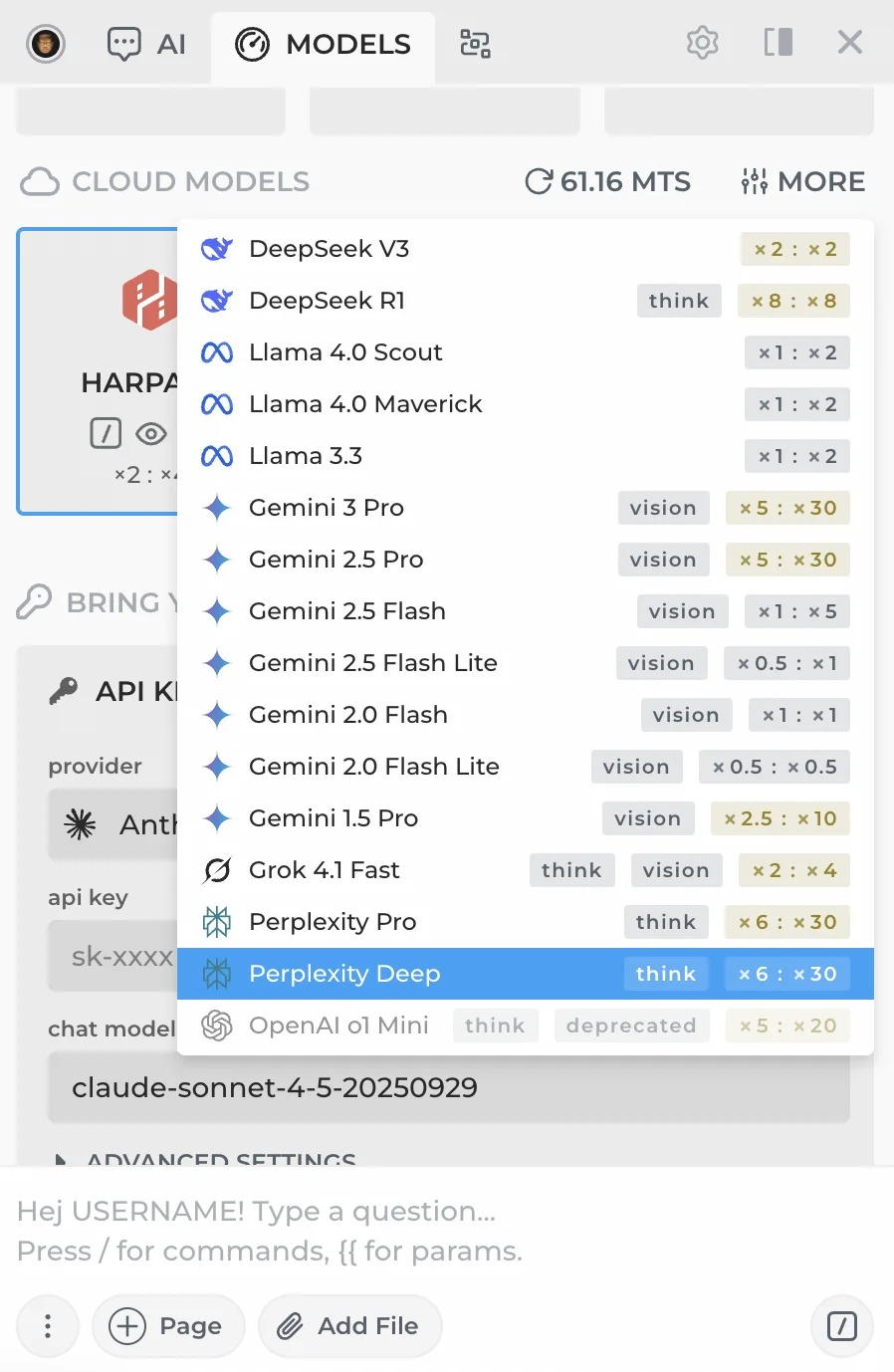
Perplexity connections return AI responses with inline links to web sources. They are a solid alternative to HARPA AI Web Search, but cost significantly more Megatokens.
# Related Guides
- CloudGPT Connections — Premium hosted AI models powered by Megatokens.
- Search Agent — AI answers alongside Google Search.
- API Connections — Connect using your own API keys.
 NEXT POST
All rights reserved © HARPA AI TECHNOLOGIES LLC, 2021 — 2026
Designed and engineered in Finland 🇫🇮